You call your internet provider, they run their tests, and they tell you the problem isn't on their end. Now what? That's exactly where one of our Oahu business clients found themselves recently, stuck without reliable internet and no clear answer on why.
Tracking Down the Real Problem
When your internet goes out, calling the ISP is usually the right first move. But internet service providers only manage their own equipment, the modem and the line coming into your building. Everything past that point is yours to figure out. In this case, the ISP confirmed their equipment was working fine. The issue was deeper inside the network.
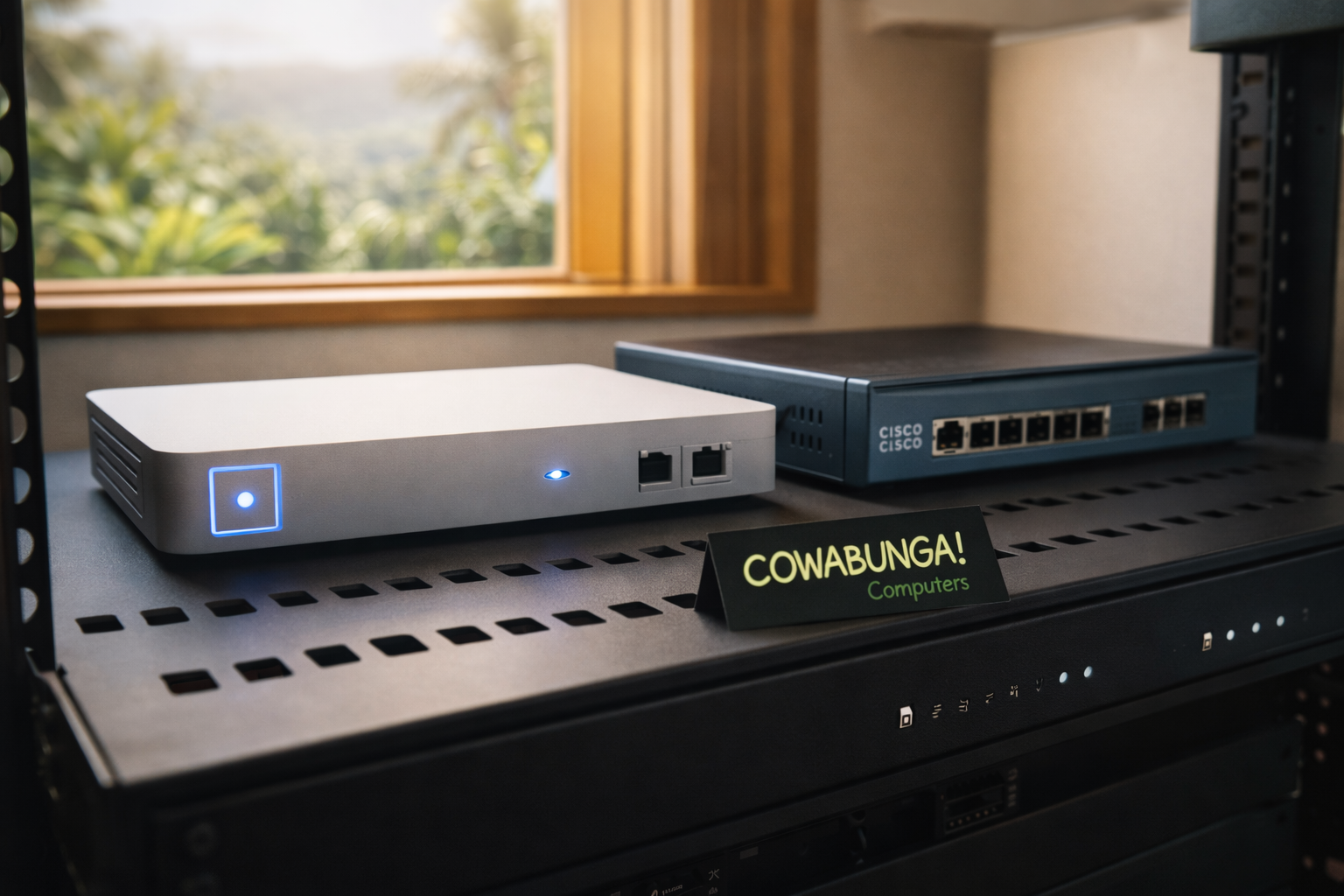
Our technician Brandon headed on-site and started working through the chain. The culprit turned out to be the client's Cisco firewall. A firewall is the device that sits between your internet connection and the rest of your network. It controls what traffic gets in and out, and it's what actually routes your internet to your computers, phones, and other devices. When it stops working, nothing behind it gets online.
This Cisco unit was completely inoperable. No amount of rebooting or reconfiguring was going to bring it back. It needed to be replaced.
Why We Went with UniFi
The client already had a UniFi access point handling their WiFi. UniFi is a line of professional-grade networking equipment from Ubiquiti that we use frequently because it's reliable, easy to manage, and scales well for small businesses.
Since the access point was already UniFi, it made sense to keep things in the same ecosystem. Brandon replaced the dead Cisco firewall with a UniFi gateway. When your firewall and access point are from the same manufacturer, they talk to each other more smoothly. You get a single management dashboard, simpler troubleshooting down the road, and fewer compatibility headaches.
Mixing and matching network gear from different vendors can work, but it adds complexity. For a small business that just wants things to run, keeping it all under one roof is usually the smarter call.
Getting Everything Back Online
With the new UniFi firewall in place, Brandon reset the existing UniFi access point and reconfigured the entire network. The client's internet connection and WiFi were set up using the same network names and passwords they had before. That means every device in the office, laptops, phones, printers, point-of-sale systems, reconnected automatically without anyone having to walk around re-entering passwords on every machine.
That kind of detail matters. A firewall swap shouldn't mean an afternoon of disruption for your whole team.
How to Know If Your Firewall Is Failing
Most businesses don't think about their firewall until it dies completely, like this one did. But there are usually warning signs before things go totally dark:
Intermittent internet drops. If your connection cuts out for a few seconds or minutes at random, and your ISP says everything looks fine on their end, your firewall could be struggling.
Sluggish network speeds. A firewall processes every packet of data moving through your network. When it's aging or overloaded, it becomes a bottleneck. You might have fast internet from your ISP but slow performance at your desks.
The unit is old. If your firewall has been running for five or more years without being updated or replaced, it's living on borrowed time. Older hardware also misses out on security updates, which is a risk all on its own.
No one knows the login. If you can't log into your firewall's admin panel, you can't update its firmware, review security rules, or troubleshoot problems. That's a red flag worth addressing before an emergency forces the issue.
Why a Maintenance Contract Makes Sense
This client expressed interest in an ongoing maintenance contract, and honestly, this is exactly the kind of situation that shows why proactive IT support pays for itself. If this firewall had been monitored, we might have caught the early warning signs before it failed completely. Instead, the business lost connectivity and had to wait for an emergency visit.
With a managed IT contract, we keep an eye on your network equipment, handle firmware updates, and flag hardware that's approaching end-of-life before it takes your business offline. It's the difference between a planned upgrade on your schedule and a scramble on a random Tuesday.
Keep Your Business Connected
A dead firewall can shut down your entire operation, and it's not always obvious that the firewall is the problem. If your internet has been unreliable and your ISP keeps telling you it's not their equipment, there's a good chance something in your own network needs attention.
Give us a call and we'll take a look. We work with businesses all across Oahu, and we're happy to do a quick network assessment so you know exactly where things stand. Reach the Cowabunga! Computers team at 808-468-4416 or drop us a line at https://www.smartcows.com/contact.