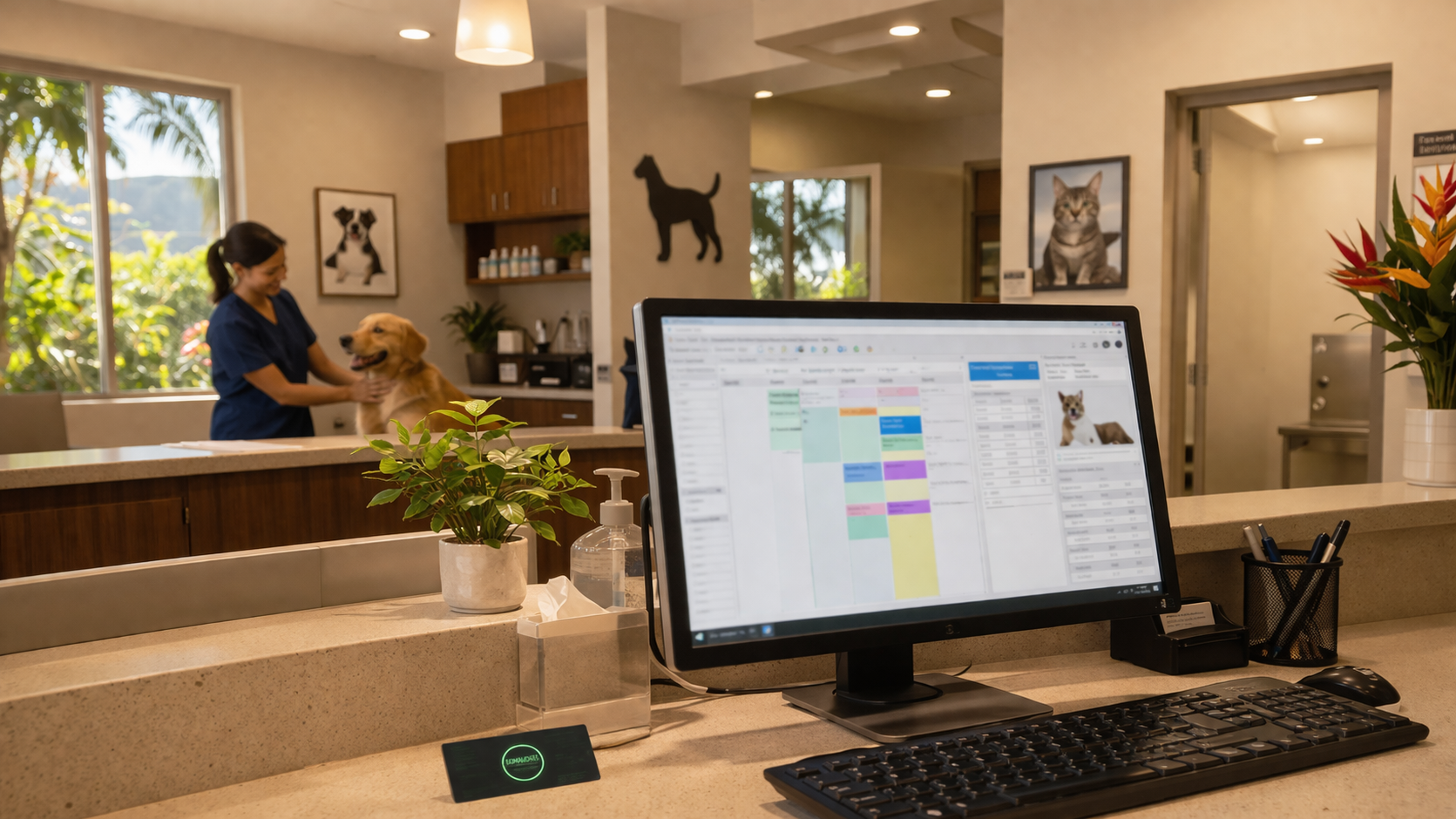
At 1:30 on a Monday afternoon, every staff member at a multi-location veterinary practice on Oahu got locked out of their practice management software. No patient records, no scheduling, no billing. The culprit wasn't a server failure or a cyberattack. It was a single database file that hit a 2GB size limit.
That one file brought the entire operation to a standstill for days.
The Problem Behind the Error Message
Avimark, the practice management software this clinic runs, uses flat file databases. Unlike modern database systems that can scale to handle massive amounts of data, flat files have hard size limits. When one of those files reached 2GB, Avimark threw up a warning and stopped working for every user at every location.
The clinic's office manager called Avimark support right away. Two hours later, with no resolution in sight, they called us.
When Misdiagnosis Makes Things Worse
Here's where the story gets frustrating. Over the course of several days, multiple Avimark support technicians pointed fingers at everything except the actual problem. The server hardware. The storage drives. The network. The firewall and security software. None of those had anything to do with it.
At one point, we were told: "There is something major going on with this server that is way out of our control. We need to get Avimark onto a different computer until the server can get fixed." Another technician flagged the Avimark installation itself as corrupted and unusable. Neither of those assessments was accurate.
When you're the one keeping the lights on for a veterinary practice that sees patients all day, hearing "we have no idea what's going on" from the vendor's own support team doesn't inspire confidence. That's exactly why having a local IT team who understands your whole environment matters.
The Wrong Tool for the Job
The fix for a maxed-out flat file database is straightforward: you run a purge utility that clears old data and brings the file back under the size limit. Simple enough in theory.
The problem was that multiple technicians used the wrong purge utility. When it didn't work, they blamed a Windows service called Cryptographic Services, claiming it was preventing the tool from running. Cryptographic Services is a core part of Windows. You can't just shut it off without risking damage to the operating system itself. We flagged this to the support team, but they insisted it was the root cause.
Their proposed solution? Transfer the entire Avimark installation to a different server, run the purge tool there, then transfer everything back. That's a process that would take over 10 hours each direction, and it wouldn't have solved anything because they were still using the wrong tool.
Getting the Right Person on the Case
While we prepped a brand new virtual machine for the transfer, the clinic's office manager was able to reach a senior engineer at Avimark. Within a short time, she confirmed what we'd suspected:
The wrong purge utility had been used repeatedly
Cryptographic Services was never the issue
The server, network, storage, and security software were all working fine
If the correct purge utility had been run during the first support call on Monday, the whole crisis would have been resolved that afternoon
She took over the case and recommended completing a full migration to the new VM we'd already built, rather than transferring back to the old server. Since the original Avimark server was due for a refresh anyway, this saved the clinic an extra 10-plus hours of transfer time and gave them a clean foundation going forward.
Rebuilding from the Ground Up
A full server migration for practice management software isn't just copying files. Every piece of the puzzle has to be reconnected. Here's what we handled alongside the senior engineer:
New VM deployment. We built and configured a fresh virtual machine to host the migrated Avimark installation.
GPO policy updates. Group Policy Objects (the rules that control how workstations connect to servers and what users can access) all had to be rewritten to point to the new server.
Location-by-location rollout. We brought the Waipahu location online first as a proving ground. Once we confirmed that patient data was intact, printers were working, and staff could access everything they needed, we rolled the changes out to every other location.
Network shares and symbolic links. The new server paths broke existing connections for attachments and check-in sheets. We used mklink (a Windows tool for creating symbolic links, essentially shortcuts that redirect one file path to another) to get everything pointing to the right place without disrupting the staff's workflow.
Third-party vendor coordination. Every outside service that tied into Avimark had to be reconnected to the new server. We worked with the clinic's office manager to contact each vendor and verify the integrations were live.
Backups reconfigured. Both local and cloud backups had to be set up fresh for the new server. We also rebuilt the RDP terminal links so remote users could connect without issues.
The original Avimark server was disconnected from the network to prevent any conflicts, and by Friday the clinic was fully operational on new infrastructure.
What This Case Really Teaches
Vendor support is valuable, but it has limits. When a support technician is troubleshooting remotely with no visibility into your actual network, server hardware, or security stack, misdiagnosis happens. And when multiple technicians rotate through a ticket without clear documentation, the problem compounds.
Having a local IT partner who knows your environment, someone who can push back when the diagnosis doesn't make sense, prep backup infrastructure while you wait for the right specialist, and handle the hundred small details of a migration, that's the difference between a four-day crisis and a manageable situation.
This clinic lost time, but they didn't lose data. And they came out the other side with a newer, cleaner server setup that's better positioned for the future.
Don't Wait for a Crisis to Find Out Where You Stand
If your business runs on software that's mission-critical, whether it's veterinary practice management, accounting, or anything your staff can't work without, it's worth knowing how your infrastructure would hold up under pressure. Give us a call and we'll take a look at what you've got. No pressure, just a straight answer. Reach the Cowabunga! Computers team at 808-468-4416 or visit us at https://www.smartcows.com/contact.