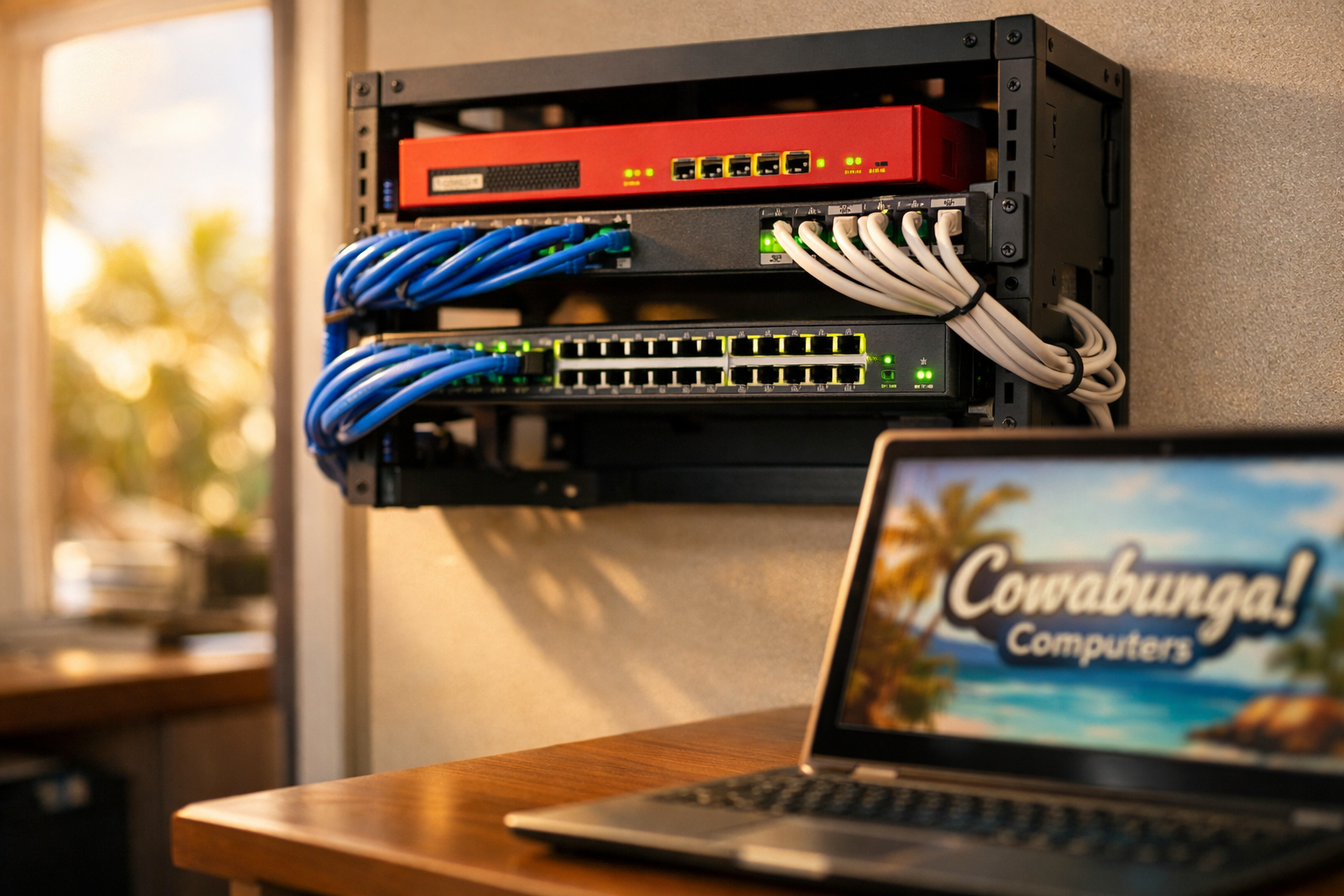
Picture this: you're a paralegal pulling up case files for a hearing that starts in two hours, and the internet cuts out. Again. Someone walks over to the server closet, reboots the firewall, and the whole office waits. That was a regular Tuesday for one Oahu law firm before they called us.
The Problem Nobody Could Pin Down
This firm runs about eight computers. Legal research, client emails, court filings, everything runs through the network. When the internet would randomly drop during the workday, the only fix was rebooting the firewall. They even replaced the firewall entirely, hoping that would solve it. It didn't.
The real frustration was that they had no way to figure out why it was happening. Their equipment didn't keep detailed logs or offer any real monitoring. They couldn't tell if the drops happened once a week or five times a day. They just knew it kept disrupting their work.
What We Found in the Network Closet
When our team arrived for the initial assessment, the picture became clear pretty quickly. The firm was running consumer-grade networking equipment, the kind you'd pick up at a big box store for your house. For a home with a couple of laptops and a streaming TV, that gear works fine. For a law office with eight machines, a printer, phones, and a constant need for uptime, it's not built for the job.
The network closet itself was a tangle of cables plugged into old 10/100 switches. Those switches max out at speeds that were standard over a decade ago. Everything was hard to trace, hard to troubleshoot, and impossible to monitor with any real detail.
The Fix: Commercial-Grade Gear and a Clean Setup
We recommended a full infrastructure upgrade. That meant a new commercial-grade firewall (the device that manages traffic between the office network and the internet), new managed switches (which let us see exactly what's happening on each port), and new wireless access points for reliable Wi-Fi coverage throughout the office.
Here's what the upgrade actually looked like:
New firewall with proper logging, traffic monitoring, and the processing power to handle a busy office without choking
Managed gigabit switches replacing the old 10/100 units, giving every device a faster, more stable connection
New access points for consistent wireless coverage, so nobody loses signal walking between offices
A reorganized network closet with clean cable runs, proper labeling, and a layout that makes future troubleshooting straightforward
The firm approved the plan, and we had everything swapped out and running quickly. No drawn-out project timeline, no weeks of downtime.
The Results
Since the upgrade, the firm hasn't reported a single network drop. No more firewall reboots in the middle of the workday. No more wondering if the internet is going to hold up during a client call or a filing deadline.
Just as important, they now have visibility into what's happening on their network. If something unusual comes up, there are logs and dashboards to check instead of guessing. That kind of insight matters when your business handles sensitive client data and can't afford to be offline.
What This Means for Your Business
If your office internet drops out and the fix is always "reboot the router," that's a sign your equipment isn't keeping up with your workload. Consumer-grade gear has its limits, and most businesses hit those limits sooner than they expect.
A proper network setup doesn't have to be complicated or expensive. It just needs to match the demands of your office. The right firewall, switches, and access points make a noticeable difference in speed, reliability, and peace of mind.
If your business is dealing with network headaches or you're not sure whether your current setup is up to the job, we're happy to take a look. We'll tell you what's working, what's not, and what it would take to fix it. Reach the Cowabunga! Computers team at 808-468-4416 or visit www.smartcows.com.