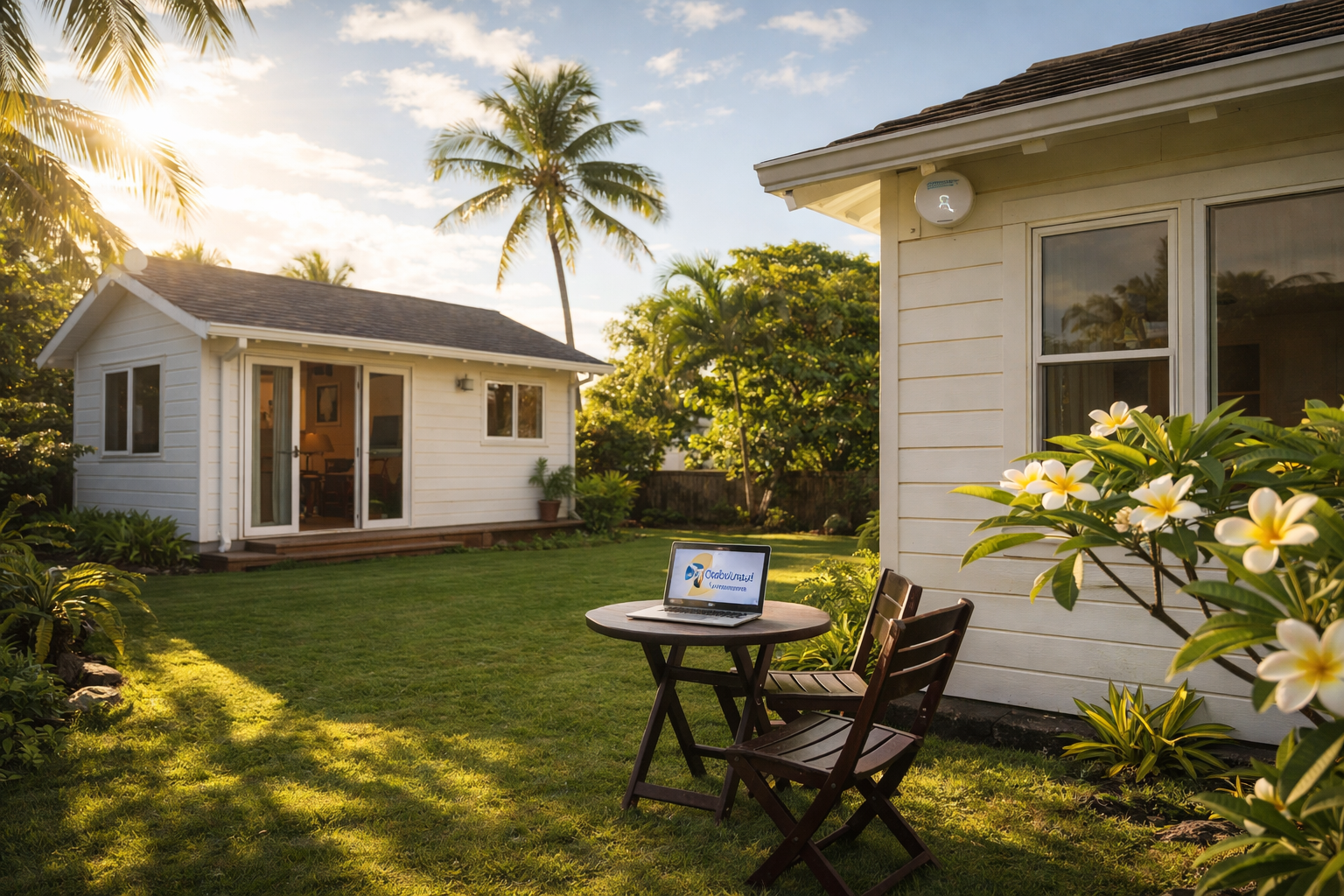
Your Wi-Fi works fine in the living room, but walk out to the back studio and you're buffering, dropping Zoom calls, or staring at a loading screen. When your property has multiple buildings, standard home Wi-Fi just can't reach far enough. One Oahu homeowner learned that the hard way.
The Setup and the Problem
This customer's property includes a main house and four detached studio apartments. Every building needed internet access for streaming, remote work, and everyday browsing. But the existing Wi-Fi setup couldn't cover the distance between buildings, leaving the studios with weak signals or no connection at all.
The dead zones weren't just annoying. Tenants in the studios were dealing with dropped video calls and painfully slow connections. The homeowner had tried extending the network on their own, but nothing stuck. That's when they gave us a call.
What We Installed
We designed a solution around three pieces that work together to cover the entire property reliably.
A commercial-grade firewall replaced the consumer router. A firewall is the device that sits between your internet connection and your home network. Consumer routers are fine for a single house, but this property needed something built to handle multiple buildings, more connected devices, and stronger security. The new firewall gave the network a solid backbone and better protection against outside threats.
Strategically placed access points went into each building. An access point is a device that broadcasts your Wi-Fi signal. Instead of trying to blast one signal from the main house and hoping it reaches the studios, we placed dedicated access points where they were needed most. Every unit now gets its own strong, local signal, and all the access points share the same network name so devices switch between them automatically as you move around the property.
Ongoing remote monitoring rounds out the setup. We keep an eye on the network remotely so we can catch small issues before they turn into big ones. If something needs adjusting, a firmware update or a setting tweak, we handle it without needing to schedule a house call.
The Difference It Made
The change was immediate. Wi-Fi that used to drop out halfway across the yard now reaches every studio with a strong, stable signal. Tenants can stream, work from home, and hop on video calls without thinking twice about their connection.
The homeowner also got peace of mind on the security side. The commercial firewall monitors traffic and blocks suspicious activity, which matters when you have multiple people sharing one network across several buildings.
Does Your Property Have the Same Problem?
If you own a property with a guest house, an ADU (accessory dwelling unit), a detached garage office, or rental studios, your home router probably wasn't designed to cover all of that. You don't need to run ethernet cables across your yard or stack range extenders and hope for the best. A few well-placed access points and the right firewall can solve the problem cleanly.
Whether you're dealing with dead zones or your tenants are complaining about slow Wi-Fi, we can take a look at your property and map out a fix. Give the Cowabunga! Computers team a call at 808-468-4416 or check us out at www.smartcows.com. We'll walk through your options and give you a straight answer on what it'll take.