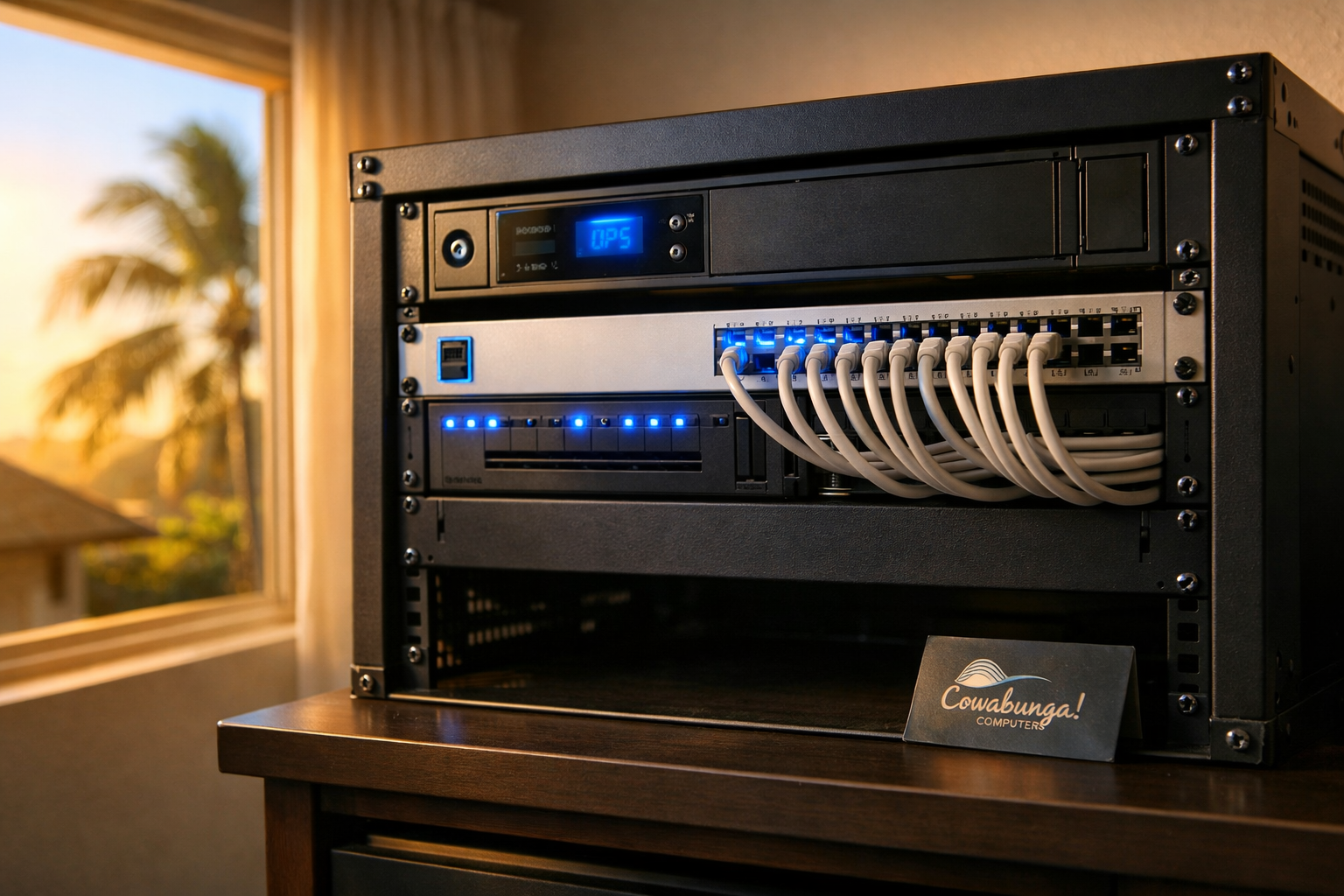
Your UPS battery backup is supposed to protect your equipment when the power flickers. But what happens when the battery backup itself is the problem? One of our residential clients in Honolulu found out the hard way when their rack-mounted unit failed, tripped the circuit breaker, and took their entire home network offline.
The Call: Everything's Down
We got the call first thing in the morning. The homeowner had no internet, no WiFi, nothing. They had a full UniFi setup, including a security gateway acting as the router, a 16-port UniFi switch, and five access points spread across their penthouse unit. All of it was dead because the failed battery backup had tripped the breaker, and it wouldn't reset with the faulty unit still connected.
They needed it fixed immediately. We were on-site by 9 AM.
Diagnosing the Real Problem
The first thing we did was isolate the failed battery backup. Once we disconnected it from the circuit, the breaker held and we could start bringing equipment back online. The rack-mounted UPS was toast, and it needed to be replaced before anything could run reliably again.
Here's where it got interesting. This client had recently purchased their penthouse, and the previous owners left all the network equipment in place but didn't hand over any login credentials. The UniFi Security Gateway, the switch, the access points, all of it was locked behind someone else's admin account. Our client had been using the WiFi just fine, but they had zero control over their own network.
On top of that, the security gateway was outdated. We recommended upgrading to a newer UniFi gateway while keeping everything in the same ecosystem. That way, all their existing access points and switch would work together seamlessly without ripping out and replacing every piece of hardware.
The Logistics
Best Buy didn't open until 10 AM, so we used that window to plan out the full scope of work. Once the store opened, we picked up a replacement battery backup. We grabbed the new UniFi gateway from our main office and headed back to the client's home with everything we needed.
When you're dealing with a network emergency, the last thing you want is multiple trips and wasted time. We made sure we had all the parts in hand before we started the rebuild.
Rebuilding the Network From Scratch
With fresh hardware on-site, we got to work. We factory-reset the 16-port UniFi switch and all five access points. Then we configured the new UniFi gateway, adopted every device into a new controller setup, and made sure the homeowner had full administrative access to their own network.
That last part matters more than people realize. If you don't have admin credentials to your own router and network equipment, you can't change your WiFi password, set up a guest network, check what devices are connected, or troubleshoot anything yourself. You're locked out of your own home network. We made sure that wouldn't be an issue going forward.
We reconfigured WiFi names and passwords, verified all five access points were broadcasting correctly throughout the penthouse, and tested connectivity on multiple devices.
Back Online in Under 3 Hours
From the first phone call to full network restoration, the whole job took less than three hours. The client went from a completely dead network with no admin access to a fully upgraded, properly configured system with a new battery backup protecting it.
Here's what we replaced and reconfigured:
Replaced the failed rack-mounted battery backup (UPS)
Upgraded the outdated UniFi Security Gateway to a current-generation UniFi gateway
Factory-reset and reconfigured the 16-port UniFi switch
Factory-reset and reconfigured all 5 UniFi access points
Set up full admin access for the homeowner
Lessons Worth Knowing
A few takeaways from this job that any homeowner or small business on Oahu can learn from:
Check your battery backups. UPS units don't last forever. Most batteries need replacing every 3 to 5 years, and an aging unit can fail in ways that actually cause problems rather than prevent them. If yours is old or you can't remember when the battery was last swapped, it's worth a look.
Get your admin credentials. Whether you just bought a home with existing network gear or had an IT company set things up years ago, make sure you have the login information for your own equipment. Write it down and keep it somewhere safe.
Stick with one ecosystem when it makes sense. Because this client's setup was already UniFi across the board, upgrading just the gateway kept costs down and made the whole reconfiguration smoother. You don't always need to start from scratch.
When Your Network Goes Down, We Show Up
Network emergencies don't wait for a convenient time. If your home or business internet goes down and you're not sure what happened, give us a call. We'll show up, figure out what's wrong, and get you back online as fast as possible. That's what we do.
Reach the Cowabunga! Computers team at 808-468-4416 or contact us online at https://www.smartcows.com/contact. We're right here on Oahu and happy to help.