Anatomy of a Ransomware Attack: What We Found and How We Recovered the Business
On the morning of Tuesday, July 28, 2026, we received a call from a local business that had just suffered a ransomware attack.
This business was not a Cowabunga Computers managed services client and had no existing IT management relationship with us. They contacted us after the attack had already occurred and asked for help recovering their systems and getting their business operational again.
What followed was a full-scale emergency response involving network isolation, malware remediation, credential resets, firewall replacement, Active Directory recovery, workstation rebuilds, and restoration of their business-critical application.
For privacy and security reasons, we are not identifying the organization. However, the circumstances surrounding this incident provide an important real-world example of how ransomware attacks happen—and why cybersecurity cannot be treated as a one-time project.
How the Incident Was Discovered
Shortly after midnight, employees discovered they could no longer access their practice-management application.
Thinking the server may simply have stopped responding, they restarted it.
The server did not return to normal operation.
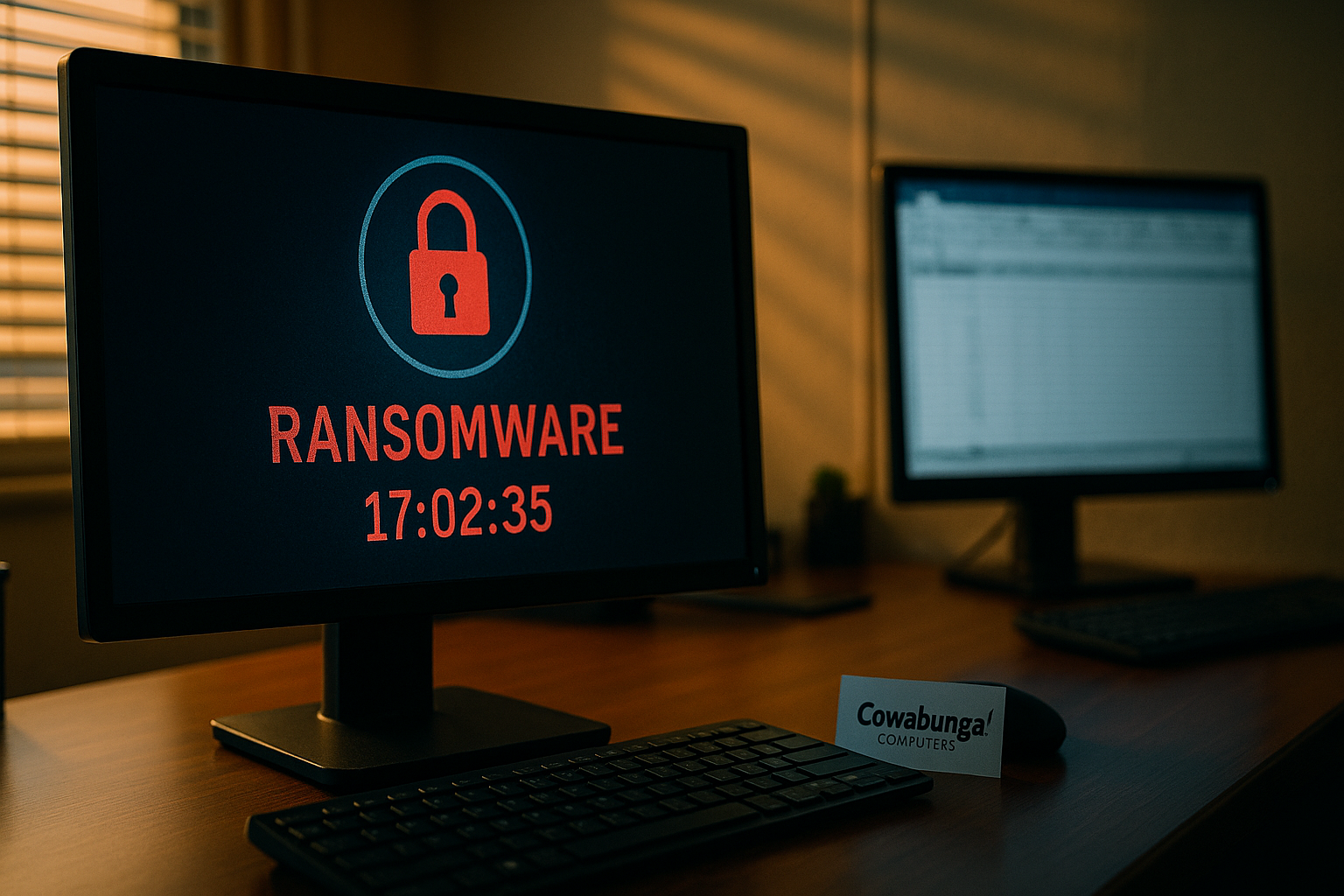
Shortly afterward, a ransomware note was discovered on one of the workstations.
At that point, employees began physically disconnecting computers and other equipment from the network.
That decision likely helped limit additional damage.
What We Found
Once we began investigating the environment, several significant security weaknesses became apparent.
One of the most serious was a Windows Server 2008 system that was directly accessible from the Internet using Remote Desktop Protocol (RDP).
Several desktop computers were also accessible from the Internet using alternate Remote Desktop ports such as 3390 and 3391.
Changing the port number does not make Remote Desktop secure. Automated scanners routinely search the Internet for exposed services regardless of which port they use.
On the exposed Server 2008 system, we found approximately:
40,000 failed login attempts over a two-week period.
That level of activity strongly suggests the server was being repeatedly targeted by automated password-guessing attacks.
Evidence of Lateral Movement
Inside the Administrator profile on the server, we discovered additional tools and scripts that appeared to have been used after the attacker gained access.
These included:
A network scanning utility
PowerShell scripts designed to enable Remote Desktop on other computers
Scripts designed to disable Microsoft Defender
The presence of these tools indicates the attacker was not simply encrypting the machine they initially accessed.
They were actively attempting to discover additional computers, weaken security protections, and move throughout the network.
Weak Credentials Made the Situation Worse
Another major concern was the password configuration.
Workstations were using the same shared Windows account.
That account had a password that was only three characters long.
Password complexity requirements had also been relaxed, and there was no account lockout policy.
Without an account lockout policy, an attacker can continue attempting passwords indefinitely.
When you combine that with an Internet-exposed Remote Desktop server and tens of thousands of login attempts, the risk becomes significant.
Unsupported Operating Systems
The server exposed to the Internet was running Windows Server 2008, an operating system that has been unsupported by Microsoft for years.
Several workstations were also running Windows 10 after the end of Microsoft's standard security support.
Unsupported operating systems no longer receive the normal security updates needed to protect against newly discovered vulnerabilities.
Operating systems that are no longer supported should never be considered acceptable long-term infrastructure—especially when they are directly accessible from the Internet.
No Endpoint Security or Advanced Firewall Protection
Prior to the incident, the environment did not have enterprise endpoint detection and response software monitoring the computers.
There was also no firewall providing the type of intrusion detection, intrusion prevention, advanced logging, and security monitoring normally expected in a modern business network.
This meant that malicious activity could occur without generating the alerts that might otherwise have identified the attack before ransomware was deployed.
The Backup Situation Was Even More Concerning
There were no general onsite backups of the servers, network storage, or workstations.
There were also no offline backups available for recovery.
Fortunately, the practice-management software had a vendor-provided cloud backup service.
That backup ultimately became critical to the recovery.
Without it, a significant portion of the organization's business data could have been permanently lost.
Our Immediate Response
Because we were brought in only after the ransomware attack had already occurred, our first priority was containment.
All affected and potentially affected systems were disconnected from the network.
Because every workstation had been using the same account and password, we immediately changed that password. We also changed the administrator password in case those credentials had already been compromised.
We then deployed Huntress endpoint security throughout the environment.
As Huntress began analyzing the systems, additional malicious files were detected and remediated.
We also replaced the existing perimeter equipment with a UniFi firewall and implemented additional security restrictions.
Recovering Active Directory
The ransomware attack affected the server that was also functioning as the organization's Active Directory domain controller.
Fortunately, there was an older domain controller sitting offline.
It had been powered off for approximately six years.
That server was brought back online and used as part of the recovery process.
Because it had been offline for so long, many newer computers no longer had valid trust relationships with it.
Workstations therefore had to be removed from the existing domain configuration and rejoined to the recovered domain.
Some computers were unable to reconnect reliably.
Those systems were completely reloaded.
Any computers that had been rendered unbootable by the ransomware were also rebuilt.
Restoring the Business
Once the network environment was stabilized, we restored the practice-management application using its cloud DataVault backup.
We then recreated Group Policies to automatically restore many of the functions employees depended on every day, including:
Network drive mappings
Printer mappings
Application shortcuts
User access to shared resources
Slowly, the business became operational again.
Could Data Have Been Stolen?
One of the most important questions after a ransomware incident is whether attackers stole information before encrypting the network.
In this case, we cannot confirm that data was exfiltrated.
We also cannot rule it out.
There simply was not enough historical logging or monitoring in place before the attack to reconstruct everything the attacker did.
This is an important distinction.
Modern cybersecurity tools are not only designed to stop attacks. They also provide the forensic records needed to determine what happened if an attack succeeds.
Who Was Responsible?
The FBI and Honolulu Police Department were contacted during the investigation.
According to information provided during that investigation, the attack was believed to be associated with Moonlight ransomware.
Cowabunga Computers did not independently verify the ransomware-family attribution, so we treat that information as a law-enforcement assessment rather than our own technical conclusion.
The Most Important Lesson
It would be easy to look at this incident and identify one problem.
The exposed Remote Desktop server.
The weak password.
The unsupported operating system.
The lack of backups.
The missing endpoint security.
But ransomware incidents rarely happen because of one single failure.
They happen because attackers find several weaknesses and combine them.
In this case, the environment contained:
Internet-exposed Remote Desktop
An unsupported Windows Server
Unsupported workstations
Extremely weak shared credentials
No account lockout policy
Relaxed password requirements
No enterprise endpoint detection
Limited firewall security
No centralized monitoring
No general onsite or offline backups
Any one of those issues creates risk.
Together, they created an environment where a ransomware attacker had multiple opportunities to succeed.
Cybersecurity Is Not a One-Time Installation
One of the biggest misconceptions we encounter is that cybersecurity is something that can be "installed" once and considered finished.
It isn't.
Security requires ongoing management.
Operating systems must be patched.
Old systems must be replaced.
Passwords and access policies must be enforced.
Firewalls need to be monitored.
Endpoint security must remain active.
Backups need to be checked.
Restore procedures need to be tested.
Alerts need to be reviewed.
New vulnerabilities need to be addressed.
And when something unusual happens, someone needs to investigate it.
That is why effective cybersecurity is an ongoing operational responsibility—not a one-time repair.
Could This Have Been Prevented?
No security system can guarantee that a business will never be attacked.
But the likelihood and impact of an incident can be dramatically reduced.
At a minimum, businesses should have:
Supported operating systems
Endpoint Detection and Response (EDR)
A properly configured business firewall with IDS/IPS capabilities
Multi-factor authentication
Strong password policies
Account lockout protection
Secure remote access
No publicly exposed Remote Desktop services
Onsite and cloud backups
Immutable or offline backup copies
Centralized monitoring and alerting
Regular security reviews
Most importantly, someone needs to be responsible for making sure those protections continue working.
Why Managed IT Matters
This incident is also an example of the difference between emergency IT recovery and managed IT services.
We did not manage this organization's network before the attack. We were called after the ransomware had already encrypted systems and disrupted the business.
At that point, our job was recovery.
With managed services, the objective is different: identify and address risks before they become an emergency.
That means continuously monitoring endpoints, reviewing security alerts, maintaining firewalls, managing patches, enforcing access controls, checking backups, replacing unsupported systems, and responding to warning signs before they turn into a ransomware event.
The best ransomware recovery is the one you never have to perform.
Final Thoughts
This organization was fortunate.
Despite significant damage and the absence of traditional infrastructure backups, we were able to recover the practice-management system, rebuild the network environment, restore employee access, and get the business operating again.
But recovery was far more difficult than it needed to be.
By the time they called us, the attack had already happened.
That distinction matters because cybersecurity is most effective when it is implemented before an incident—not while a business is trying to recover from one.
Cybersecurity isn't simply about preventing ransomware.
It is about making sure that when something eventually goes wrong, the organization can detect it quickly, contain it, understand what happened, and recover without losing the business.
That is the difference between calling an IT company after a disaster and having an ongoing cybersecurity strategy in place before one occurs.
Cowabunga Computers provides ongoing managed IT and cybersecurity services for Hawaii businesses, including endpoint protection, firewall management, identity security, backup and disaster recovery, monitoring, and helpdesk support.