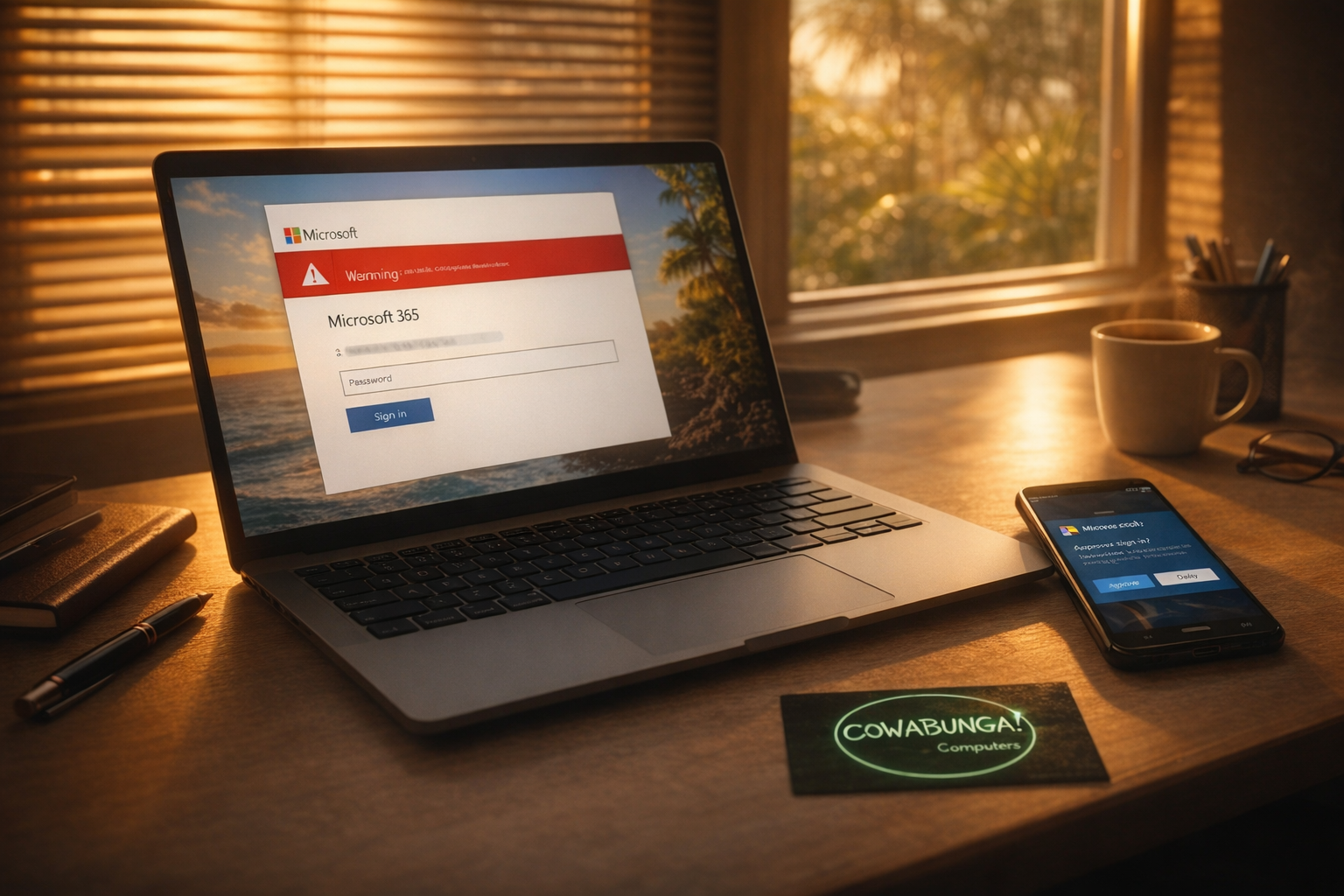
Your employee gets a convincing email, clicks a link, and signs in to what looks like their normal Microsoft login page. Twenty minutes later, your IT team gets an alert about a suspicious sign-in from another country. That's not a hypothetical. That's a real incident we responded to recently for one of our Oahu business clients.
What Happened
A staff member received a phishing email that looked legitimate enough to fool them. They clicked the link, entered their username and password, and unknowingly handed their credentials to an attacker.
Within the hour, we received alerts about risky sign-ins from overseas. After the second alert, we confirmed the account had been compromised through the phishing email.
Here's the thing that surprised even us: the employee had two-factor authentication (2FA) set up on their account. The attackers got in anyway.
How Attackers Bypass 2FA
Most people think 2FA makes their accounts bulletproof. It doesn't. It makes brute-force attacks (where someone guesses your password over and over) much harder. But phishing attacks use a different playbook.
Modern phishing kits use something called token theft. When you sign into a fake login page, the attacker's server sits between you and the real Microsoft login. You enter your password, then you approve the 2FA prompt on your phone. The attacker captures the session token that Microsoft sends back, and now they're signed in as you. No password needed after that.
It's a relay attack, and it's becoming more common every month.
How We Responded
Speed matters in these situations. Here's what we did within the first few hours:
Locked the compromised account and revoked all active sessions
Blocked sign-in to prevent further access
Checked Exchange for malicious mail rules, which attackers commonly use to forward emails or hide their tracks. None had been created.
Reviewed outbound email logs to confirm no phishing emails were sent from the compromised account
Pulled audit logs and cross-referenced them with the attacker's IP address. The only action taken was the sign-in itself. No emails or files were accessed.
Checked DLP (Data Loss Prevention) logs going back a full month. No financial or sensitive data left the account.
Because we caught the breach quickly, the attacker never got a chance to do real damage. In most phishing operations, attackers are compromising thousands of accounts at once and working through a backlog. They set up mail forwarding rules and use hacked mailboxes to phish more victims. That process can take days or weeks. Getting there first made all the difference.
The 2FA Gap We Found
During the investigation, we discovered something important. Not all user accounts at this organization were covered by the policy that enforces 2FA. Microsoft has a default security policy that should apply to every account, but only a handful of users actually had it active.
We immediately created a new conditional access policy that covers every account in the organization. Anyone without an authenticator app will be prompted to set one up on their phone. Going forward, we've added 2FA compliance to our quarterly audits so gaps like this don't go unnoticed.
What You Should Do Right Now
Even if you think your business is covered, it's worth checking. Here are the steps that matter most:
Verify 2FA is actually enforced on every account. Don't assume it's turned on just because you set it up once. Policies can change, accounts get added, and settings don't always stick the way you expect. Audit it.
Use an authenticator app, not SMS. Microsoft Authenticator, Google Authenticator, or a similar app. Text message codes are better than nothing, but they're easier to intercept.
Train your team to spot phishing emails. The best security tools in the world can't help if someone willingly enters their credentials on a fake site. Regular, practical training makes a real difference.
Have an incident response plan. When we got the first alert, we knew exactly what to check and in what order. If your team doesn't have that playbook, you're losing precious time when it counts.
Consider advanced email filtering. Tools like Avanan scan emails before they hit the inbox and catch phishing attempts that Microsoft's built-in filters miss. We deploy this for our managed IT clients, and it stops a lot of bad emails before anyone ever sees them.
2FA Still Matters
We don't want you to walk away thinking 2FA is useless. It absolutely isn't. It stops the vast majority of automated attacks and makes your accounts significantly harder to break into. But it's one layer in a system that needs several layers working together.
Think of it like locking your car doors in a Kailua parking lot. It won't stop a determined thief with a slim jim, but it keeps the opportunists out. You still want the lock. You also want to avoid leaving your laptop on the seat.
We're Here to Help
If you're not sure whether every account at your business has 2FA properly enforced, or if you got an alert that made your stomach drop, give us a call. We help businesses across Oahu lock down their Microsoft 365 environments, respond to security incidents, and build the kind of IT setup that doesn't keep you up at night. Reach the Cowabunga! Computers team at 808-468-4416 or contact us at https://www.smartcows.com/contact.